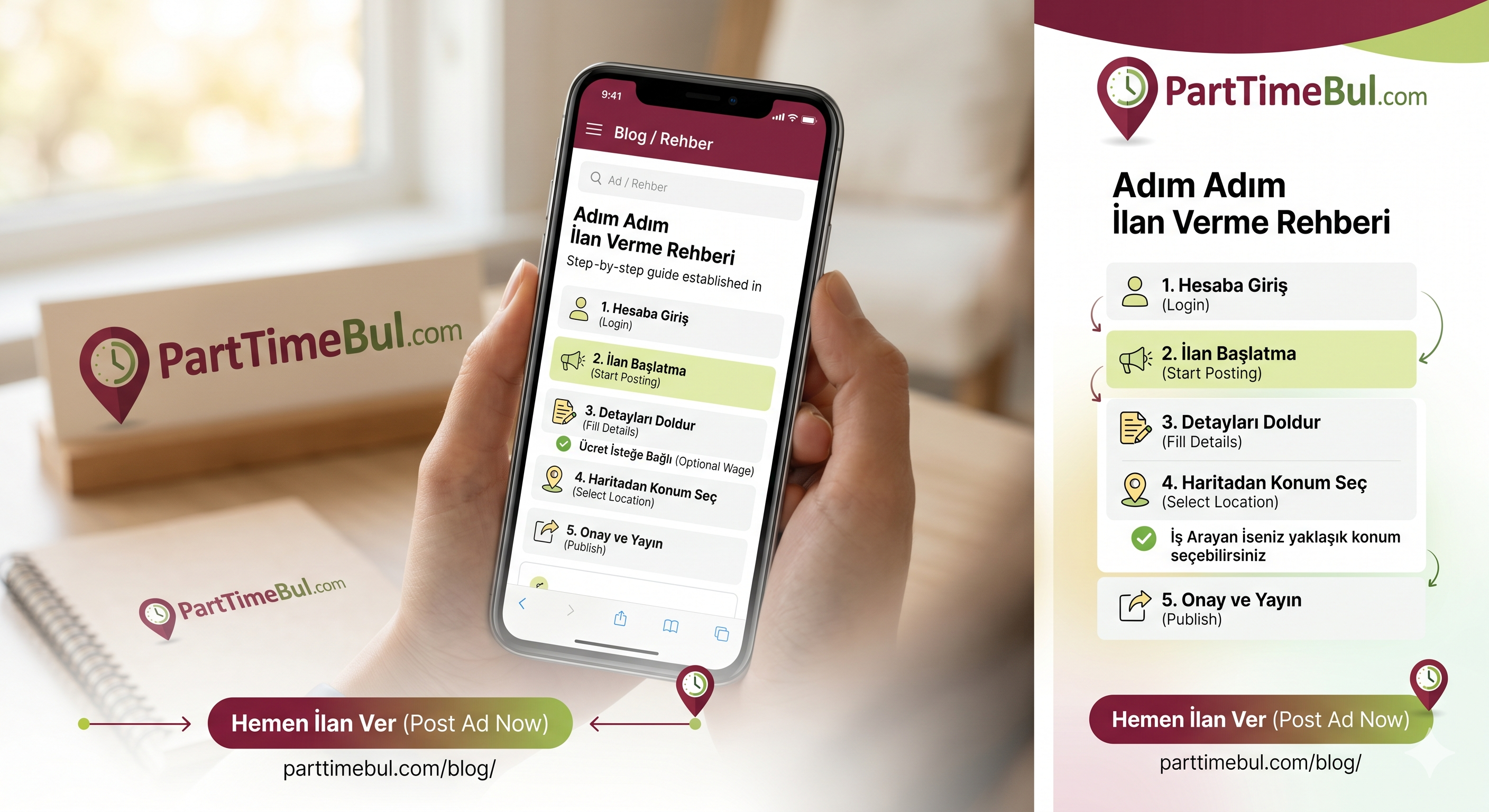
🚀 Step-by-Step Posting Guide
1
Login to Account
Sign up and log in to the system.
2
Start Posting
Go to the post page with the + Post Ad button.
- ✅ Ad Type: Choose 'I'm hiring' or 'I'm looking for a job'.
- ✅ Job Title: e.g., Looking for a job as a waiter, etc.
- ✅ Identity: Enter company name or Full Name.
- ✅ Ücret: Specify your desired wage (Optional).
- ✅ Shift & Hours: Select shift type and enter your working hours.
- ✅ Contact: Fill in the details (Phone is optional).
Select Location on Map
Set your location. If you are a job seeker, you can choose an approximate location.
3
Verification & Publishing
Click the 'Confirm Ad' button and enter the code sent to your email.